Test in production
The only place that behaves exactly like production is production. Test there on purpose - with real traffic, a flag in front, and a kill switch within reach.
Why test in production?
Staging is useful, but it is a copy - and a copy is never the original. The data is smaller and cleaner, the scale is lower, third-party services are mocked, and real users behave in ways no test script does. A whole class of bugs only appears under production conditions.
So the most honest place to validate a change is production itself. The catch has always been risk - and that is exactly what a feature flag removes: you ship the code to production but decide separately who actually runs it. Testing in production stops being reckless and starts being a discipline.
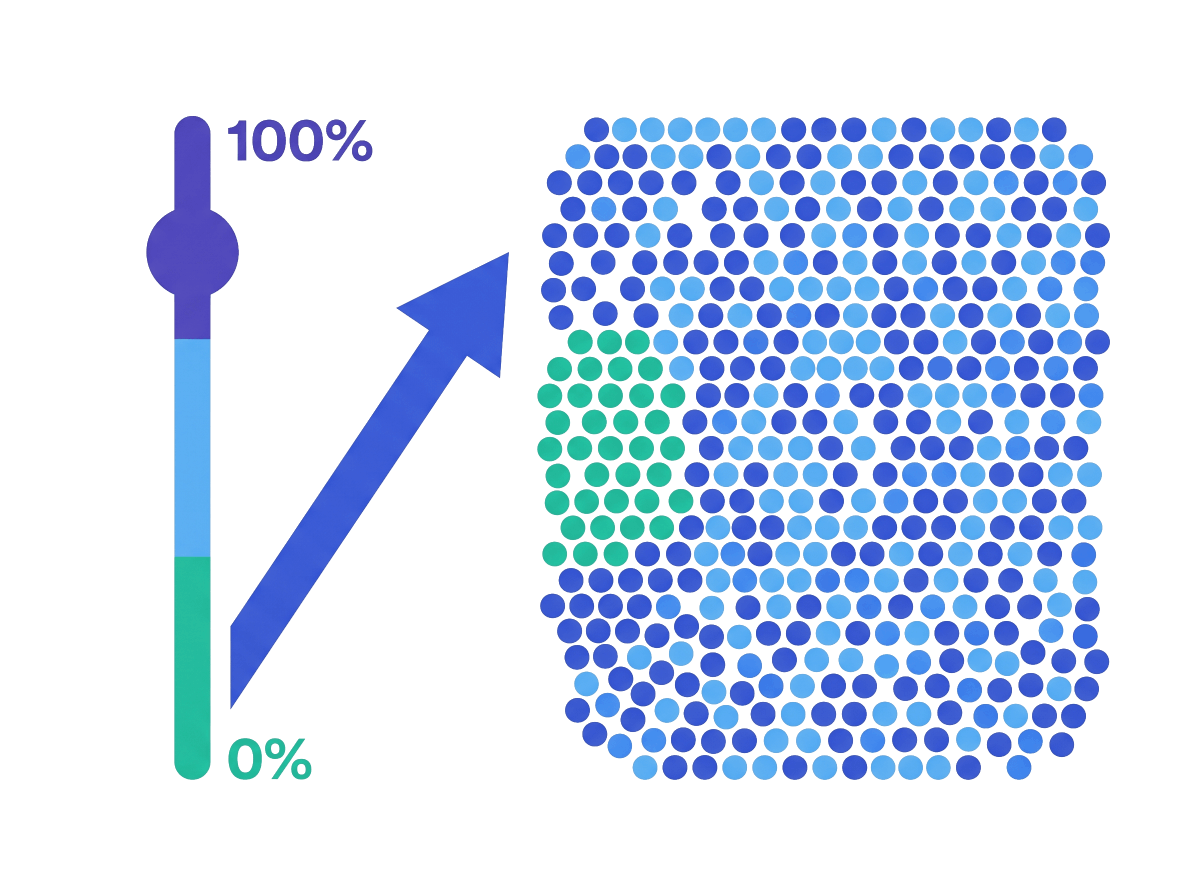
Testing in production lets you:
Catch what staging cannot
Real data, real scale, real third-party calls. The bugs that only show up under production conditions surface where you can see them.
Limit the blast radius
A feature flag in front means only the users you choose - your team, a beta segment, 1% of traffic - ever reach the new path.
Measure with real users
Watch the new code against actual traffic, export the events to your own stack, and decide on evidence instead of a hunch.
Testing in production safely, not recklessly
“Test in production” is not an excuse to skip the basics. It means moving the final validation to the one environment that tells the truth - behind four guardrails. A flag in front so the change ships dark. Targeting so only the users you pick reach it. A kill switch so any user is one config change away from the safe path. And observability so you can see what the change is doing.
The honest part: you own those guardrails. GO Feature Flag gives you all four - self-hosted, OpenFeature-native, configured in a YAML file you control - but the discipline of using them is yours. For teams that want that control, that is the whole point.
Decouple deploy from release
Merge it, deploy it, and leave it off. With a flag wrapping the new path, the code lives in production - exercised by your CI, your startup, your health checks - while no user reaches it. You release it later, on your terms, without another deploy.
When to use it: always, as the foundation. Every technique below starts from a feature that is already in production but not yet released.
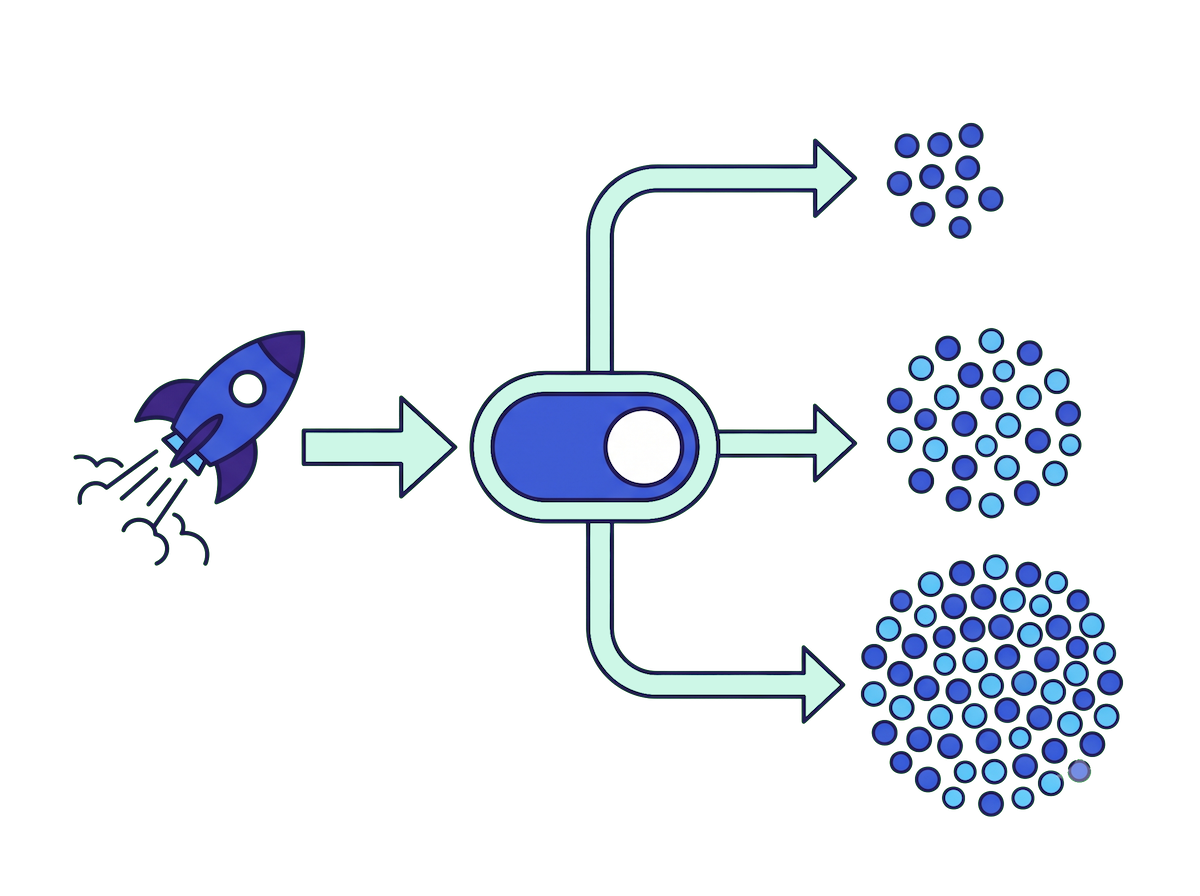
The feature is in production but off for everyone. Flip the default rule when you are ready - no redeploy.
Let your own team hit it first
The first real users of a feature should be the people who built it. A targeting rule matches your team - by email domain, a staff attribute, or an internal segment - so you all run the new path in production while every customer stays on the old one.
When to use it: the first step after shipping dark - shake out the obvious problems against real production before anyone outside sees the change.
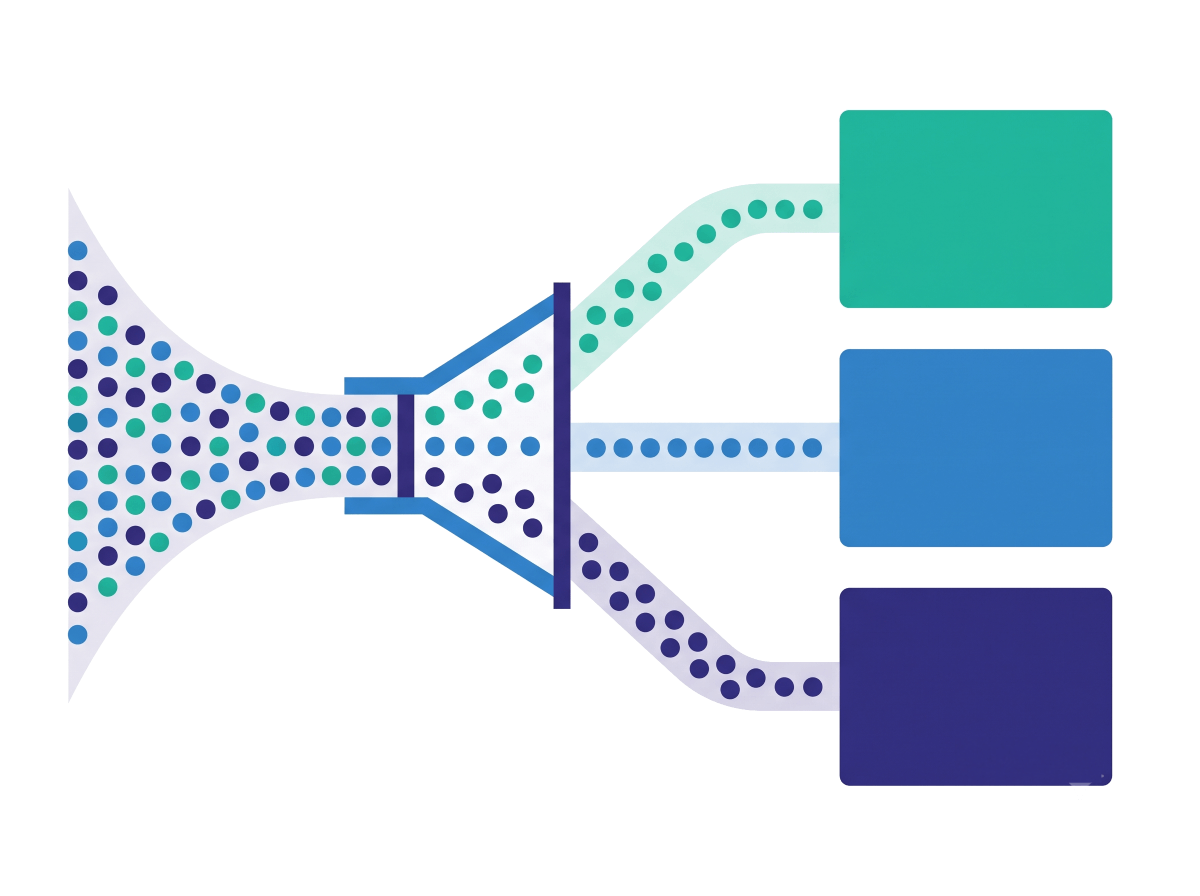
Anyone with a company email gets the new dashboard; everyone else falls through to the default.
Widen to a trusted segment
Once your team is happy, widen the circle: opted-in beta users, then one region, then one plan. Each ring is just another targeting rule, so you grow the audience in deliberate steps and keep the people who hit new code people who signed up for it.
When to use it: when a known group should get the feature next - and you want their feedback before a general release.
Expose a small slice of real traffic
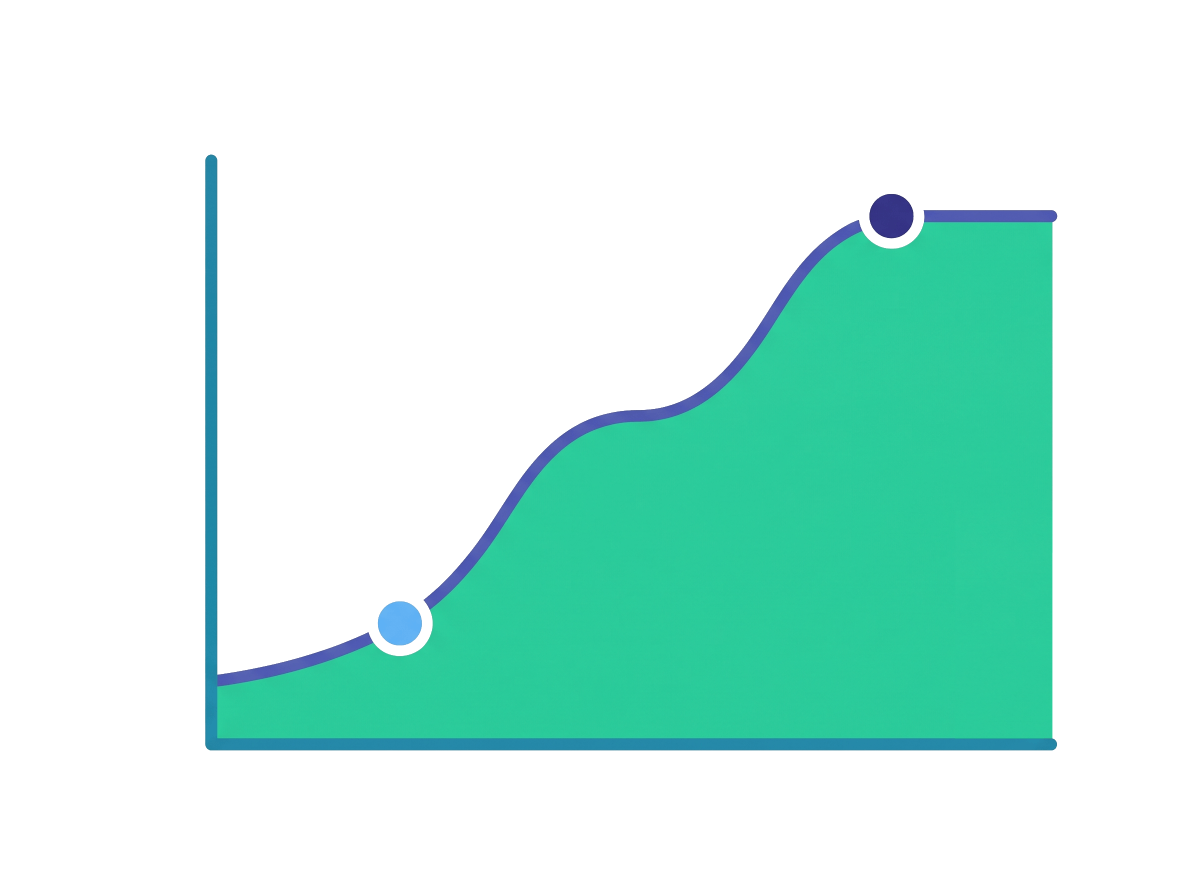
A canary points a small, random percentage of real traffic at the new variation - 1%, then 5%, then 25% - while everyone else stays on the control. The split is deterministic, so the same users stay in the same group until you move the numbers. If the canary is healthy, widen it; if not, shrink it back instantly.
When to use it: when you need a sample of real, external users - not a specific segment - and you will widen by hand as your dashboards stay green.
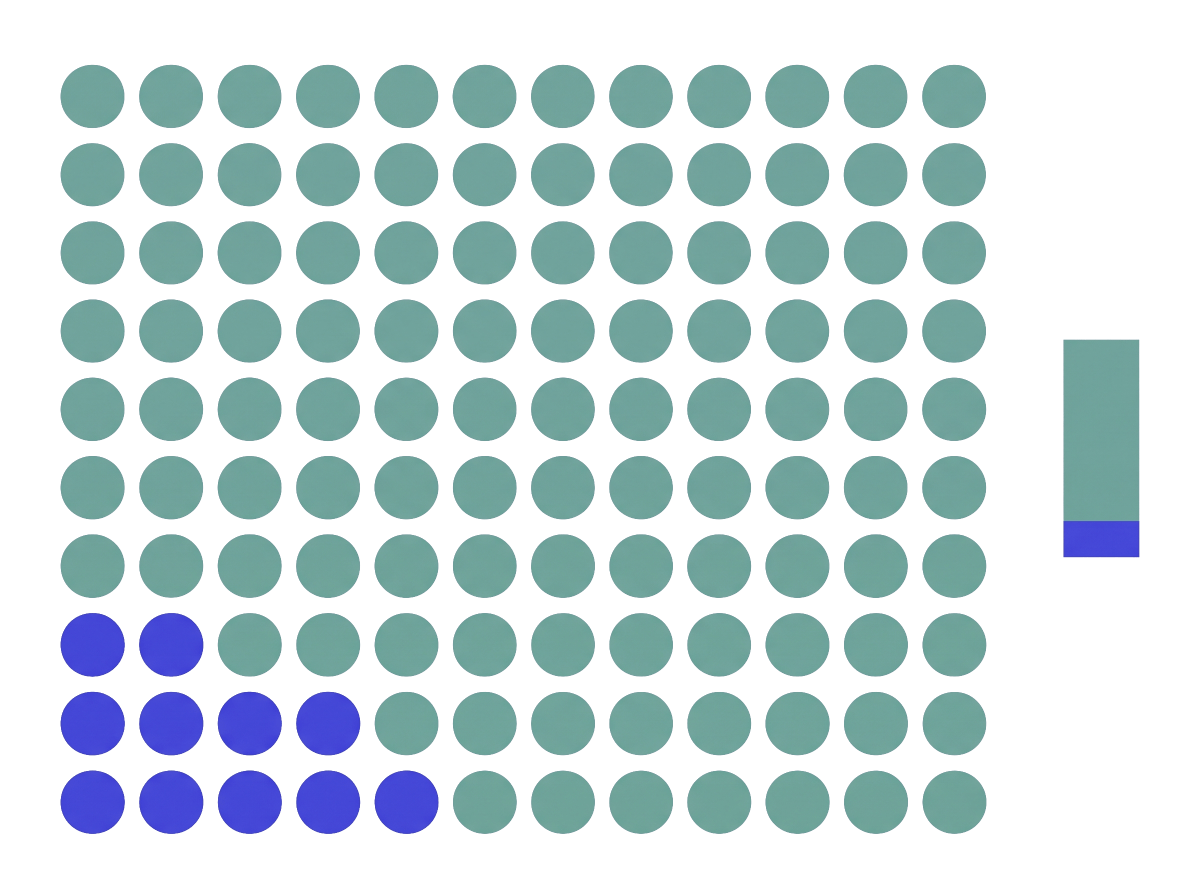
Start at 1% of traffic. Bump candidate to 5, 25, then 100 as it proves out.
Get everyone off the new path in seconds
The safety net that makes all of this safe. If a test in production goes wrong, you do not roll back a deploy - you flip the flag. Set disable: true (or point the default rule back at the safe variation) and every user falls back to the SDK default on the relay proxy’s next poll.
When to use it: the moment something looks wrong. Reach for it first, investigate second - it costs you one config change and a few seconds.
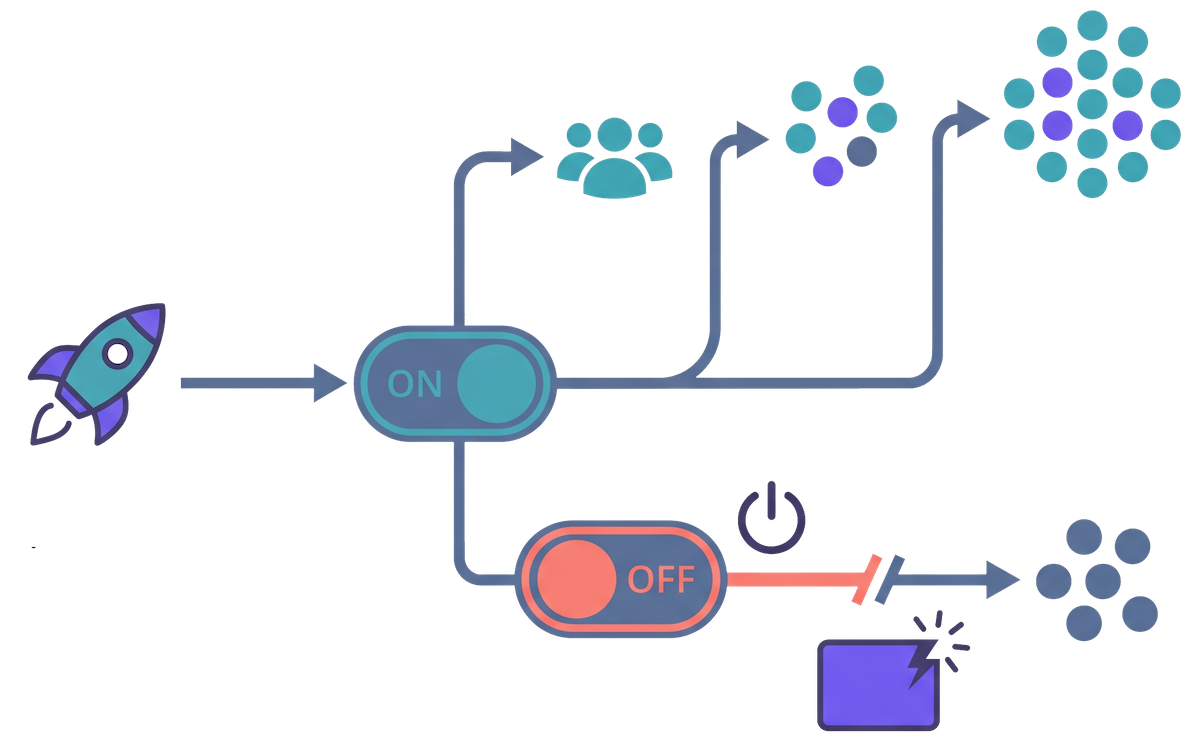
One line. Every user is back on the safe default within a poll interval - no rollback build.
Watch the change against real traffic
Testing in production is only worth it if you look at the results. GO Feature Flag emits an event for every evaluation and exports them to your own stack - S3, Kafka, BigQuery, a file, and more - so you can compare the new variation against the old on real outcomes, not a hunch. Pair it with an experimentation rollout for a clean measurement window.
When to use it: whenever the point of the test is to decide - keep it, change it, or kill it - based on evidence.
Which technique, when?
They build on each other - ship dark first, then widen the audience the way that fits the change.
| Technique | Reach for it when | Look elsewhere when |
|---|---|---|
| Ship dark | The code is merged and deployed, but you are not ready to release it to anyone yet. | You want a specific group to start using it now → Dogfood / Beta. |
| Dogfood internally | Your own team should hit the new path in production before anyone outside does. | You need a sample of real, external users → Canary. |
| Beta / ring | A known segment - opted-in beta users, one region, one plan - should get it next. | You care about how many users, not which ones → Canary. |
| Canary | You want a small, random slice of real traffic first and will widen it as it proves out. | You need to test against specific people → Dogfood / Beta. |
| Kill switch | Something looks wrong and you need every user off the new path now. | Nothing is broken - you are just ramping up → Canary. |
| Measure | You need to compare the new behavior against the old on real outcomes. | You only need to ship gradually, not measure → Canary. |
These compose. A targeting rule can carry its own percentage - dogfood your team at 100% while a beta segment gets a 10% canary - and the kill switch sits over all of it.
Testing-in-production pitfalls to avoid
- No kill switch. Testing in production without a fast way out is the reckless version. Wire the flag so any user is one change away from the safe path before you expose the feature.
- Leaking test data into analytics. Evaluations from a half-baked feature can pollute your metrics. Set
trackEvents: falsewhile you test, then turn it on when you mean to measure. - No safe default. Always set a
defaultRule; it is what users get when no rule matches, so make it the safe, known-good value. - Untargeted “test” flags. A flag meant for your team that has no targeting is just a release to everyone. Scope who reaches it before you ship dark.
- Mistaking a ramp for a measurement. Widening a canary ships gradually; it does not, on its own, tell you the new variation is better. Export the events and compare when that is the question.
Test in production with confidence
Self-hosted, OpenFeature-native, MIT-licensed. Ship dark, target who sees it, and keep a kill switch one YAML change away.