Feature flag rollouts
Move a feature from nobody to everybody on your terms - a slice of users, a steady ramp, a scheduled date, or a specific segment.
What is a rollout?
A rollout is how you take a feature from nobody to everybody - deciding which users get it and when, separately from when you deploy the code.
With a feature flag in place, the new code ships dark. A rollout then steers traffic toward it on a curve you control - a few users, then a percentage, then everyone - and lets you reverse course the moment something looks wrong.
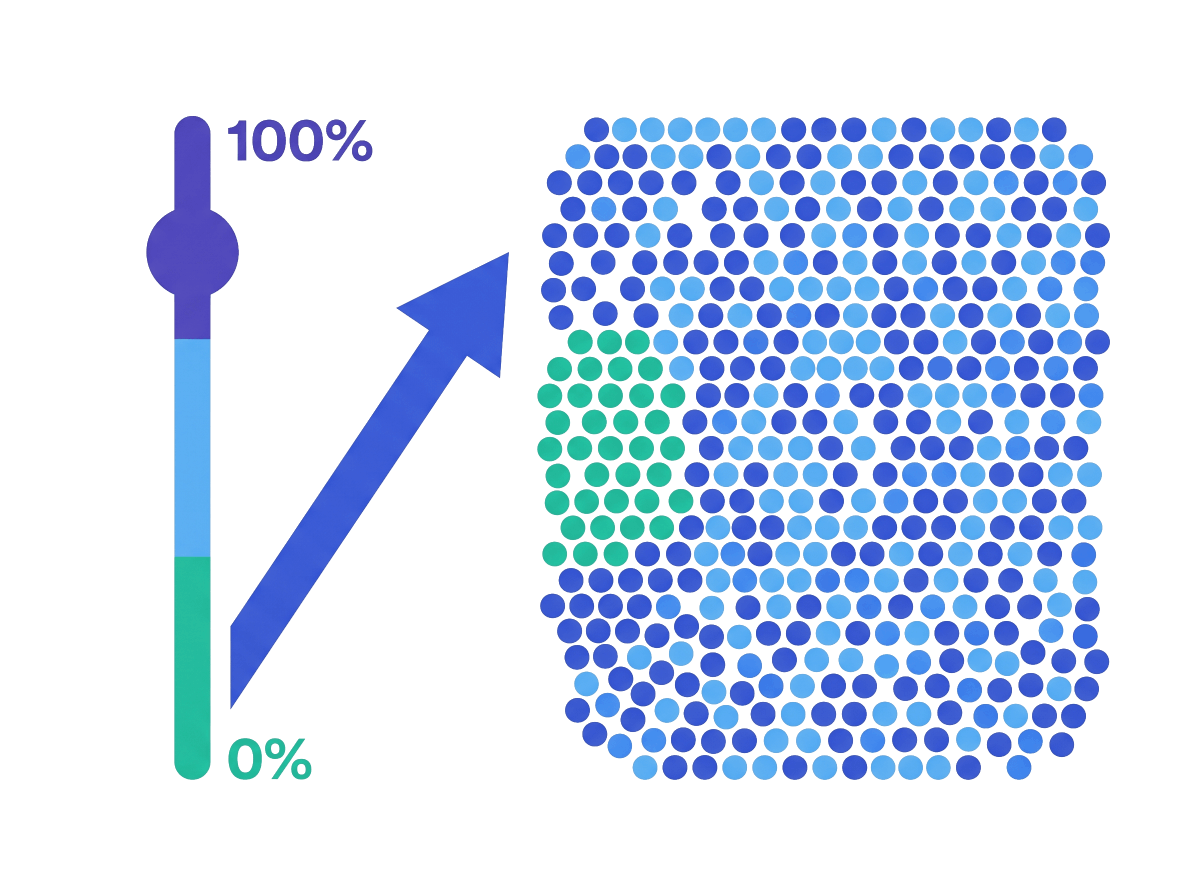
Rollouts let you:
Ship gradually, not all at once
Move from a handful of users to everyone on a curve you control.
Limit the blast radius
If a variation misbehaves, only a slice of traffic ever saw it - dial it back in seconds.
Automate or schedule the ramp
Let the percentage climb on its own, or apply changes on the dates you set.
How rollouts work in GO Feature Flag
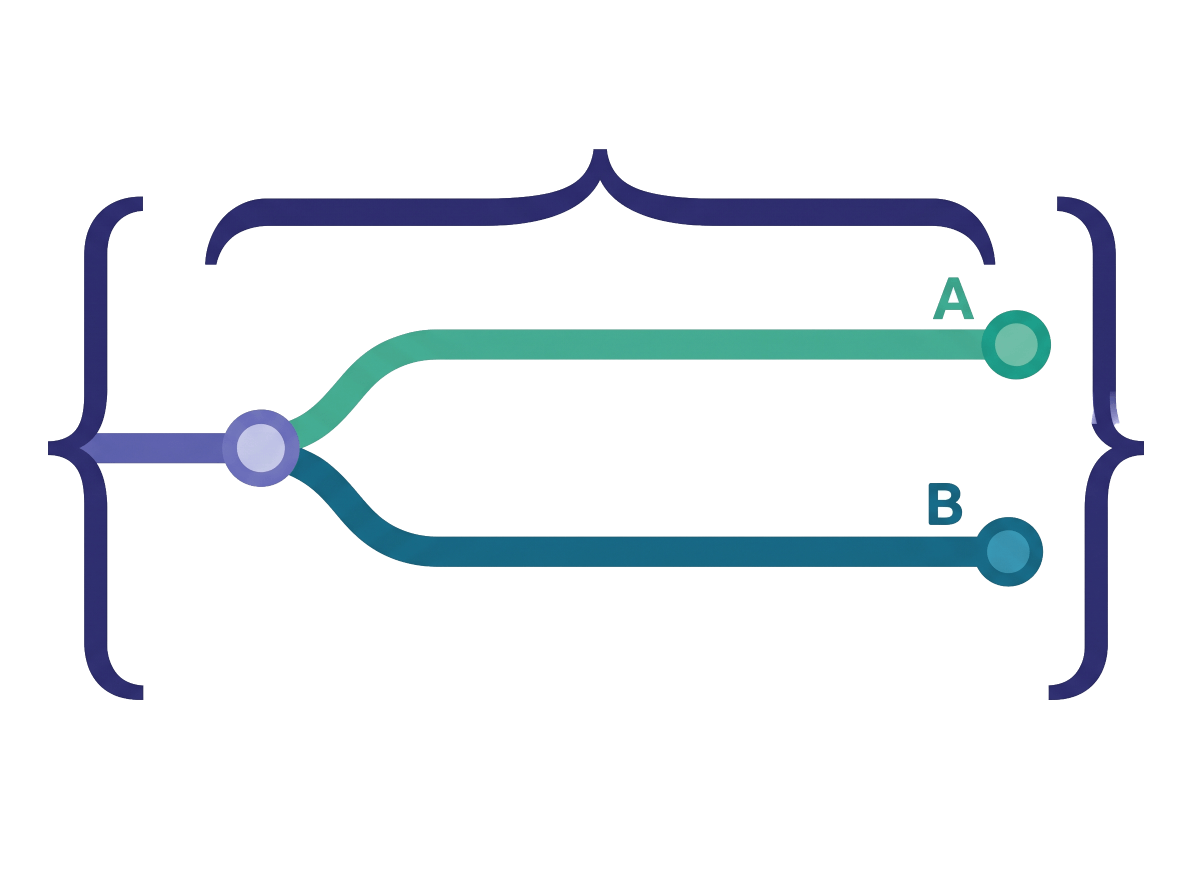
Every flag has named variations - and they are not limited to on/off. A variation can be a boolean, a string, a number, or a JSON object, and a flag can have more than two of them. A rollout decides which variation each user gets, and how that split changes over time or by audience.
You configure it in the flag’s YAML - inside the defaultRule or a targeting rule. Evaluation is deterministic on the targeting key, so a user stays in the same bucket between requests. Change the file and the relay proxy picks it up on its next poll - no redeploy.
Three string variations, not a boolean. User 12345 always gets high; everyone else falls through to the default.
Rollout, deploy, and progressive delivery
These get used interchangeably, so to be precise: a deploy ships code to your servers. A rollout decides who actually sees the feature afterward — that’s the flag’s job, and it needs no redeploy. Progressive delivery is the umbrella practice: deploy continuously, then release gradually behind flags. The rollout is the lever; progressive delivery is the habit of pulling it carefully.
Send a slice of traffic to a variation
A percentage rollout splits traffic across variations by share - say, 10% to the candidate and 90% to the control. The split is deterministic, so the same users stay in the same group until you move the numbers.
When to use it: a canary - you want a small group first and you will widen it by hand as your dashboards stay green.
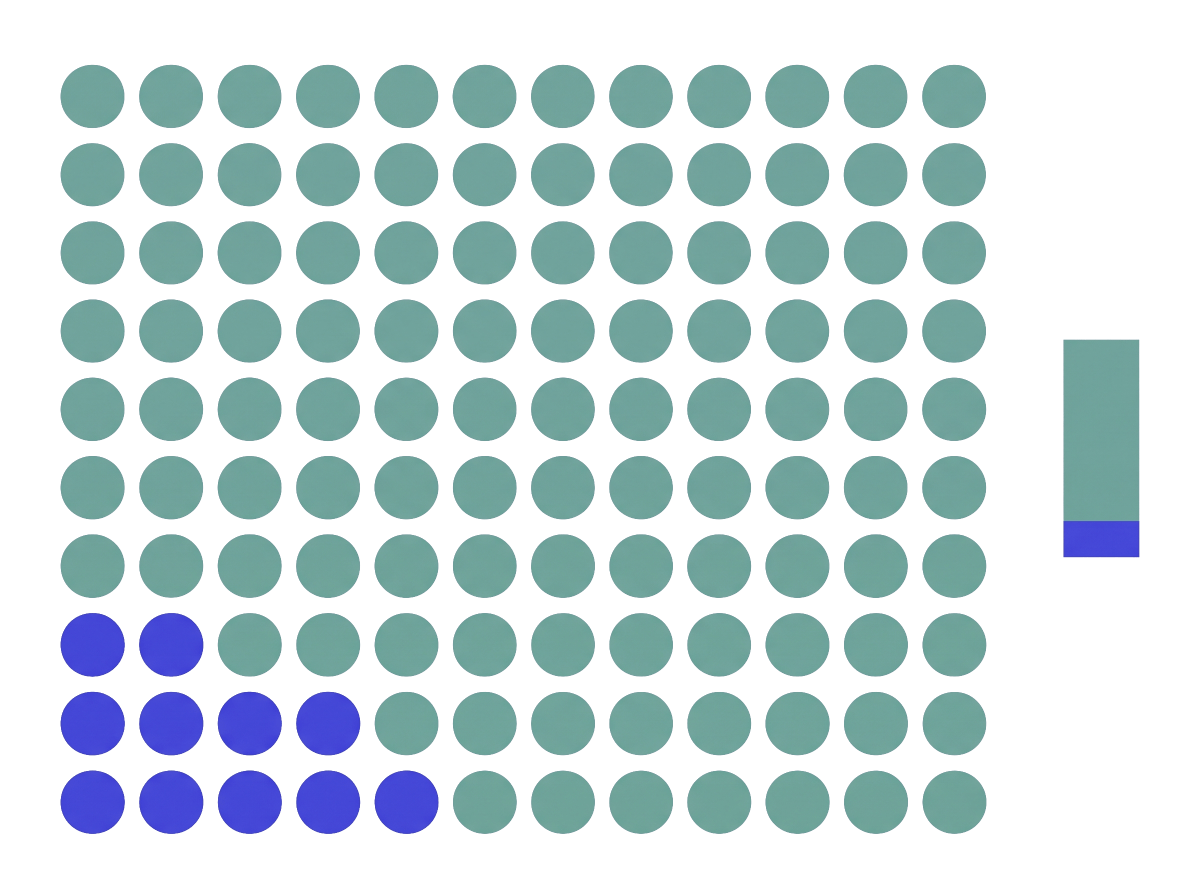
Bump candidate to 25, then 100, as it proves out. No redeploy.
Ramp the percentage automatically
A progressive rollout moves the share from an initial value to an end value between two dates, on its own. You set the start and finish; GO Feature Flag interpolates the rest.
When to use it: a hands-off ramp over hours or days when you are confident enough to let it advance without a person nudging it.
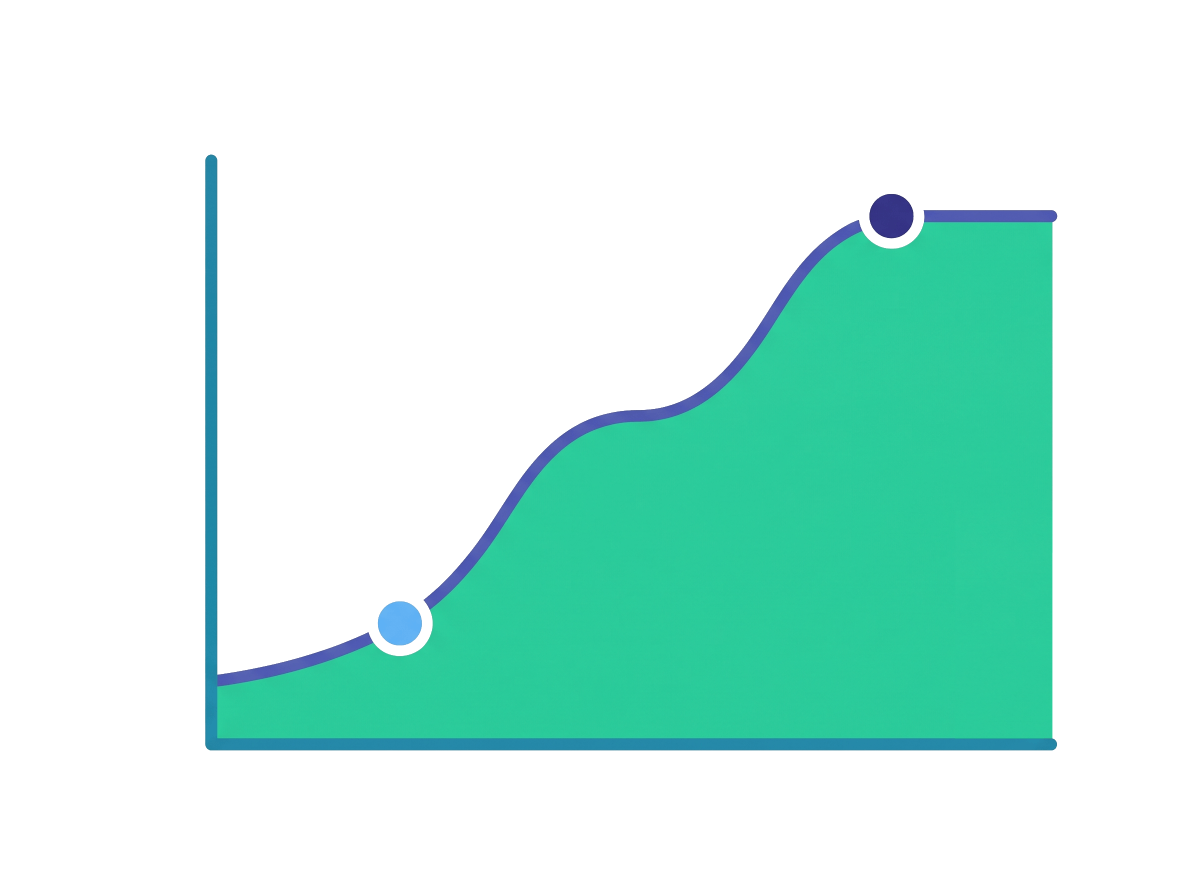
From variationA to variationB over four days - add initial/end percentages to ramp partially.
Change the flag on set dates
A scheduled rollout applies changes at specific dates, in as many stages as you need - flip on a targeting rule today, change the split next month. Each step can edit any part of the flag.
When to use it: a launch tied to a calendar - a marketing date, a maintenance window, or a phased plan you want locked in ahead of time.
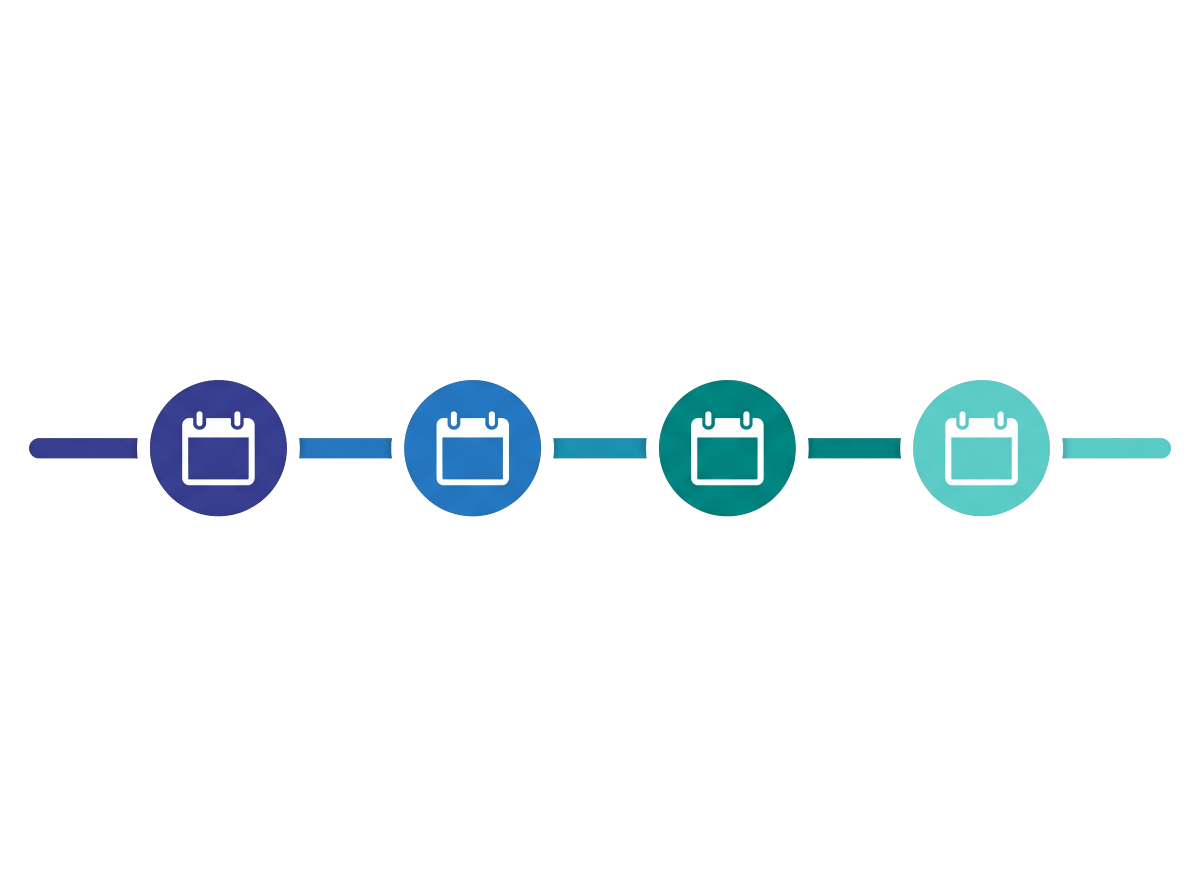
Two stages: open to beta users on the first date, then to everyone else on the second.
Run a variation for a fixed window
An experimentation rollout makes the flag active only between a start and end time. Inside the window it serves your split; outside it, everyone gets the default. Pair it with the data export to measure which variation won.
When to use it: a time-boxed A/B test - you want a clean measurement period, then an automatic return to the default. The same approach lets you compare two models or prompts with feature flags for AI.
A 50/50 split that only runs for one week, then falls back to the default.
Give specific people a specific variation
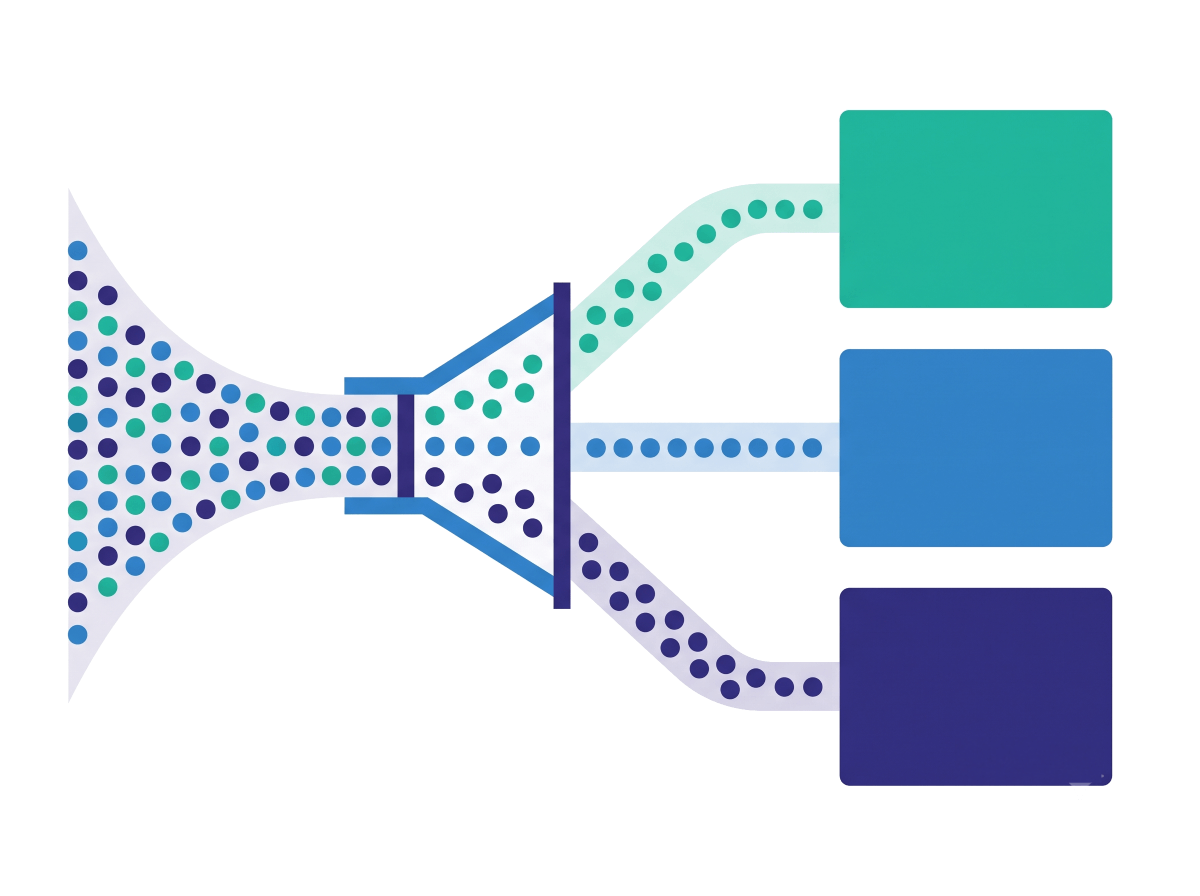
Targeting rules answer who, not just how many. Each rule matches users with a query - by plan, region, role, or any attribute - and serves them a variation. Rules run in order; the first match wins, and a rule can itself carry a percentage.
When to use it: a segment should get a particular variation - enterprise plans, internal staff, one region - or you want to combine who with how many.
Enterprise plans get the beta; the EU gets a 50/50 split; everyone else stays on control.
Which rollout should you use?
Pick by what you are optimizing for - speed of feedback, automation, timing, measurement, or audience.
| Strategy | Reach for it when | Look elsewhere when |
|---|---|---|
| Percentage | You want a canary: a small slice first, widened by hand as it proves out. | You would rather the ramp advance on its own → Progressive. |
| Progressive | You want a hands-off ramp between two dates, no babysitting. | You need to pause or adjust on judgement mid-ramp → Percentage. |
| Scheduled | The launch is tied to dates, or it happens in planned phases. | Timing is “when it looks healthy”, not a date → Percentage / Progressive. |
| Experimentation | You are measuring variation A against B for a fixed window. | You just want to ship gradually, not measure → Progressive. |
| Targeting rules | Specific users or segments should get a specific variation. | The choice is about how many, not who → Percentage / Progressive. |
These compose. A targeting rule can itself carry a percentage or a progressive rollout - target the segment first, then ramp within it.
Rollout pitfalls to avoid
- Leaving finished rollouts in the code. Once a flag sits at 100% for everyone, it’s flag debt — clean it up.
- No safe default. Always set a
defaultRule; it’s the value users get when no rule matches, so make it the safe one. - Re-tuning a percentage reshuffles some users. Changing the split can move users between variations — fine for a ramp, but use an experimentation rollout when you need a stable A/B group.
- Bucketing on an unstable key. Consistency rides on the targeting key; a value that changes per request makes users flip between variations.
- Mistaking a ramp for a measurement. Percentage and progressive rollouts ship gradually; reach for experimentation when you actually need to compare outcomes.
Roll out your next feature safely
Self-hosted, OpenFeature-native, MIT-licensed. Change a YAML file and the rollout updates - no redeploy.