A/B testing with feature flags
Ship two versions, measure the winner. GO Feature Flag splits your users into A and B, then exports the data so your own analytics can tell you which one actually performed better.
Test two versions, let the data pick the winner
A/B test is the shorthand for a simple controlled experiment: two versions, A and B, are shown to comparable groups of users, and you measure which one moves the metric you care about.
You do not need a separate experimentation platform for this. GO Feature Flag already gives you the two building blocks: evaluation to split users into A and B, and exporters to capture what happened - so you can decide the winner with the analytics you already own.
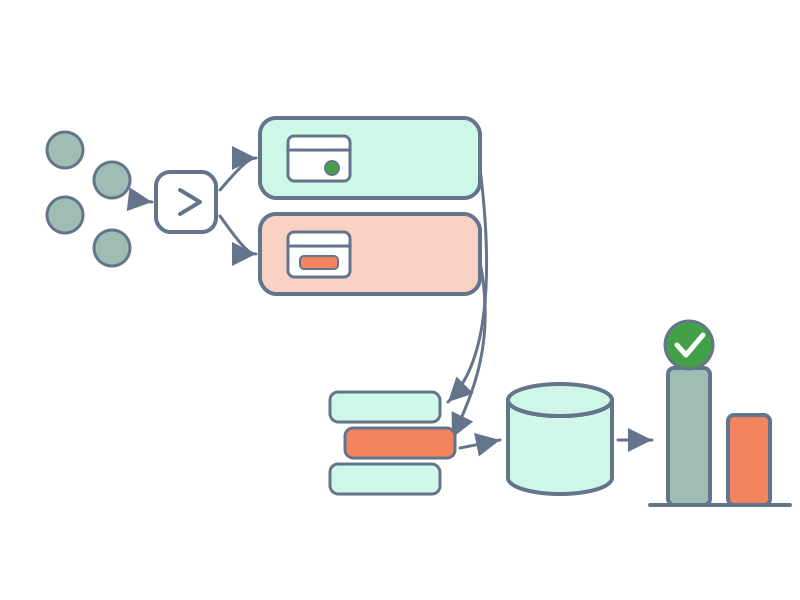
What you get
A stable, deterministic split
Users are bucketed by hashing the targeting key, so the same person stays in the same group for the whole test - no flicker between A and B.
Your data, your warehouse
Exposures and outcomes are exported to a destination you own - BigQuery, S3, Kafka, a webhook - so you analyse results with the tools you already trust.
Time-boxed and reversible
An experimentation rollout runs the split only inside a window you set, then falls back to the default automatically - no cleanup redeploy.
A/B testing in three steps
The recipe is the same one the docs recommend: an experimentation rollout combined with the export of your data. Split your users, capture who saw what, record what they did - then read the result. Every step lives in configuration or a single SDK call, so there is no redeploy to start or stop a test.
Split your users into A and B
A percentage rollout sends a share of traffic to each variation - say 50/50. The split is deterministic on the targeting key, so a user keeps the same variation for the whole test instead of flipping between requests.
Wrap it in an experimentation rollout to bound the test to a start and end date. Inside the window users get the split; outside it, everyone falls back to the default - a clean measurement period with an automatic end.
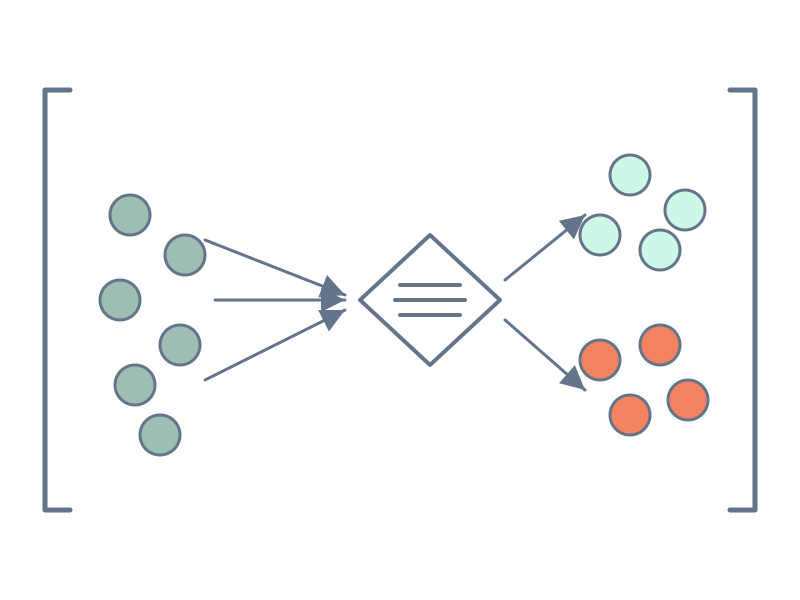
A deterministic 50/50 split that only runs for two weeks, then returns to the control.
Capture who saw which variation
Every flag evaluation emits a feature event - the targeting key, the flag, and the variation that user received. An exporter ships those events to a destination you own, so you have a record of exactly who was exposed to A and who was exposed to B.
You wire one exporter per event type. Point them at the same warehouse - one table for exposures, one for outcomes - and your experiment data lands where your analysts can query it.
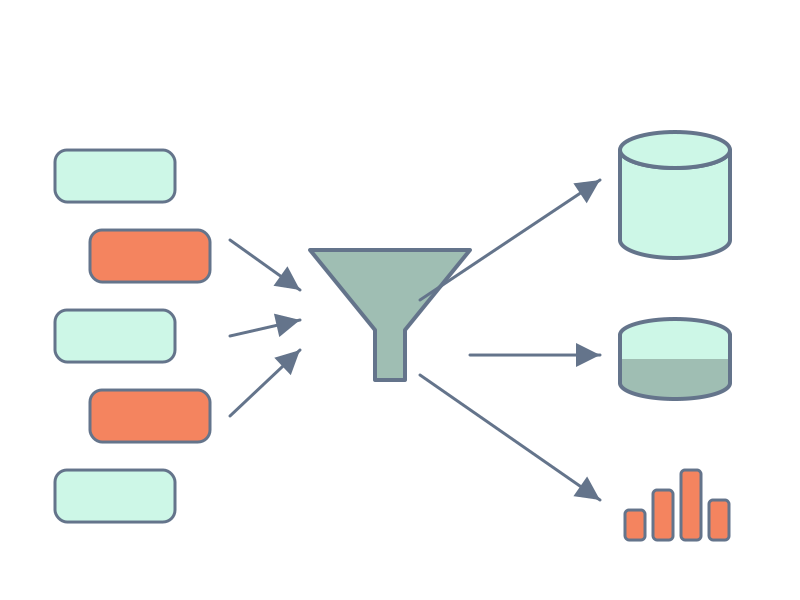
Two BigQuery exporters on the relay proxy: exposures (feature) and outcomes (tracking) into the same dataset.
Record what your users did
Exposure alone does not tell you who won - you also need the outcome. The OpenFeature Tracking API lets you record a conversion, a purchase amount, or any action against the same targeting key you evaluate with. Those tracking events flow through the tracking exporter you configured in step 2.
Now you can join the two in your analytics: for each variation, how many users converted and how much they were worth. That comparison is your A/B test result.
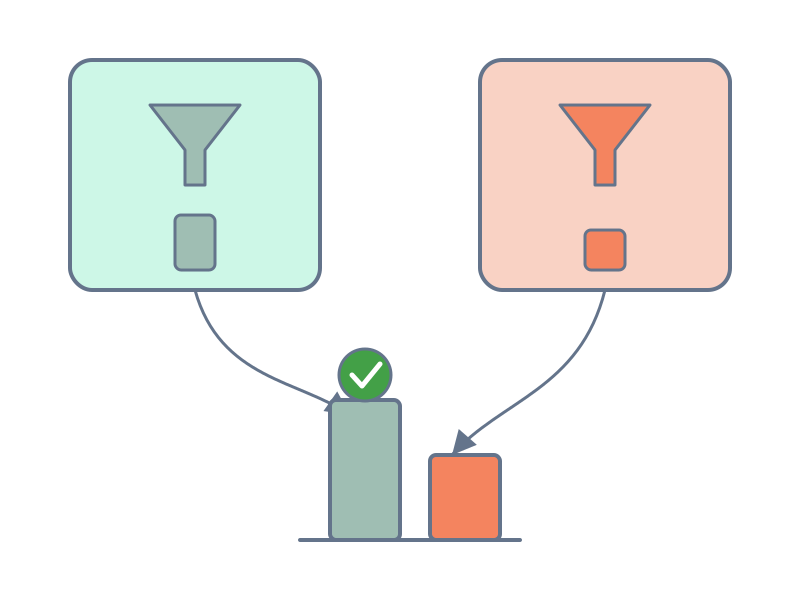
Recorded against the same context as the flag evaluation, so exposure and outcome join on the targeting key.
Where your experiment data can go
Data warehouses
Stream feature and tracking events straight into BigQuery for SQL analysis per variation.
Object storage
Batch events to AWS S3, Google Cloud Storage, Azure Blob Storage, or the local file system as JSON, CSV, or Parquet.
Streaming & queues
Push events in near real time to Kafka, AWS Kinesis, Google Cloud Pub/Sub, or AWS SQS.
Webhook & OpenTelemetry
Send events to any HTTP endpoint, or emit them as OpenTelemetry signals for your observability stack.
Why run your A/B tests on GO Feature Flag
- You own the data. Exposures and outcomes go to your warehouse, not a vendor’s - no per-seat experimentation bill, no data leaving your stack.
- Unlike hosted experimentation platforms such as LaunchDarkly or Optimizely, the split happens inside your self-hosted flag and the analysis runs in your own warehouse - so A/B testing stays free and MIT-licensed with no per-seat experiment charge. See how GO Feature Flag compares.
- OpenFeature-native. Assignment and tracking use the standard API, so any OpenFeature SDK and the relay proxy work the same way.
- It composes with your rollouts. An experiment is just one more thing a feature flag can do - target a segment first, then split within it.
- The same recipe compares AI models or prompts. Swap the variations and you are A/B testing features for AI instead of UI.
A/B testing pitfalls to avoid
- Re-tuning the percentage mid-test. Changing the split reshuffles some users between A and B. Use an experimentation rollout when you need a stable group for the whole window.
- Bucketing on an unstable key. Consistency rides on the targeting key; a value that changes per request makes users flip variations and pollutes your results.
- Exporting exposures but not outcomes. Knowing who saw A or B is only half of it - without tracking events you cannot say which variation actually won.
- Stopping the moment it looks good. Peeking at an experiment before it reaches significance produces false winners. Size the window up front and let it run.
Run your next experiment on your own data
Self-hosted, OpenFeature-native, MIT-licensed. Split with a YAML file, export to your warehouse, measure the winner - no experimentation SaaS required.