Feature flags for AI
AI writes code faster than you can review it, and AI features behave differently for every user. A feature flag puts a switch in front of both - ship dark, release to a slice, and kill it the moment it misbehaves. No redeploy.
AI ships faster than you can verify
Coding agents and LLM features generate more code and more behavior than any team can review line by line. The bottleneck is no longer writing it - it is being sure it is safe in front of real users.
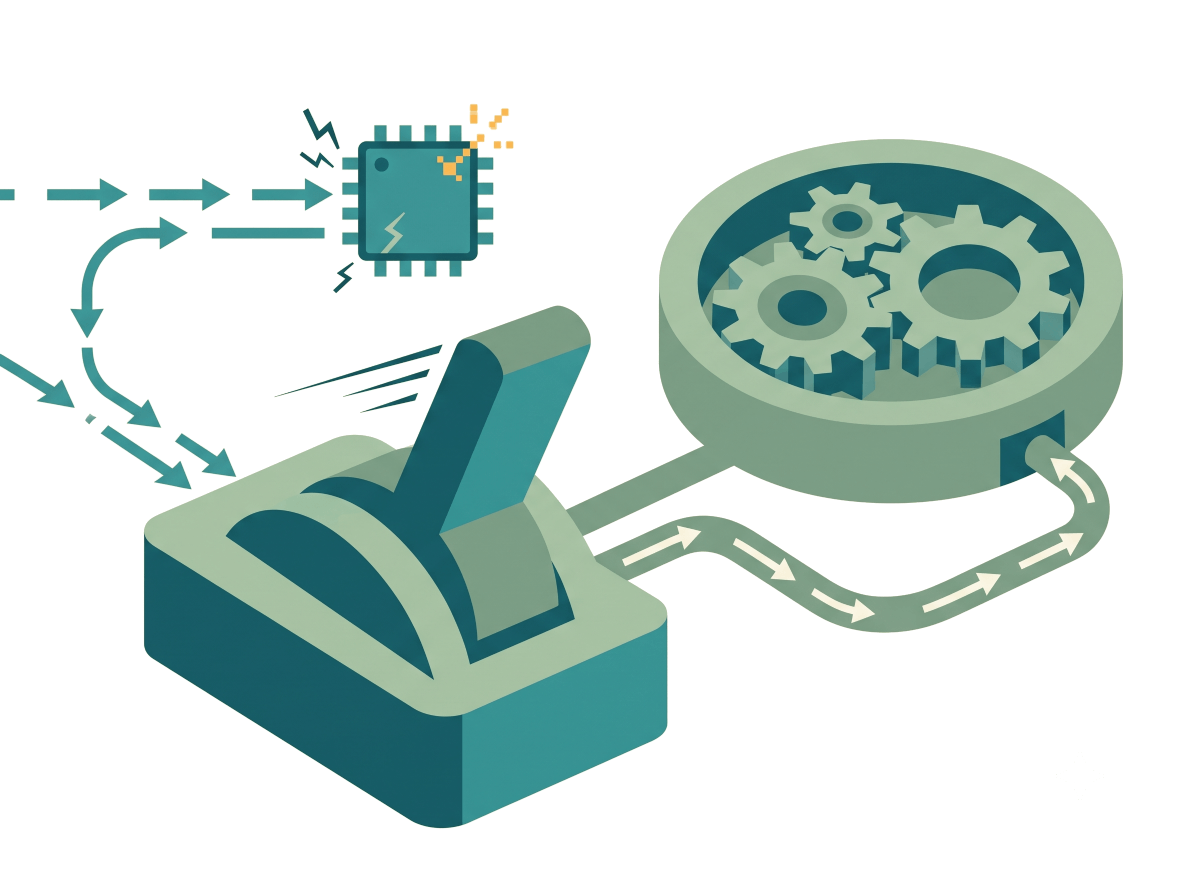
A feature flag wraps the new path so it merges dark: the code ships, but exposure stays under your control, decoupled from deploy. You decide who sees the AI and when - and you can take it back in seconds.
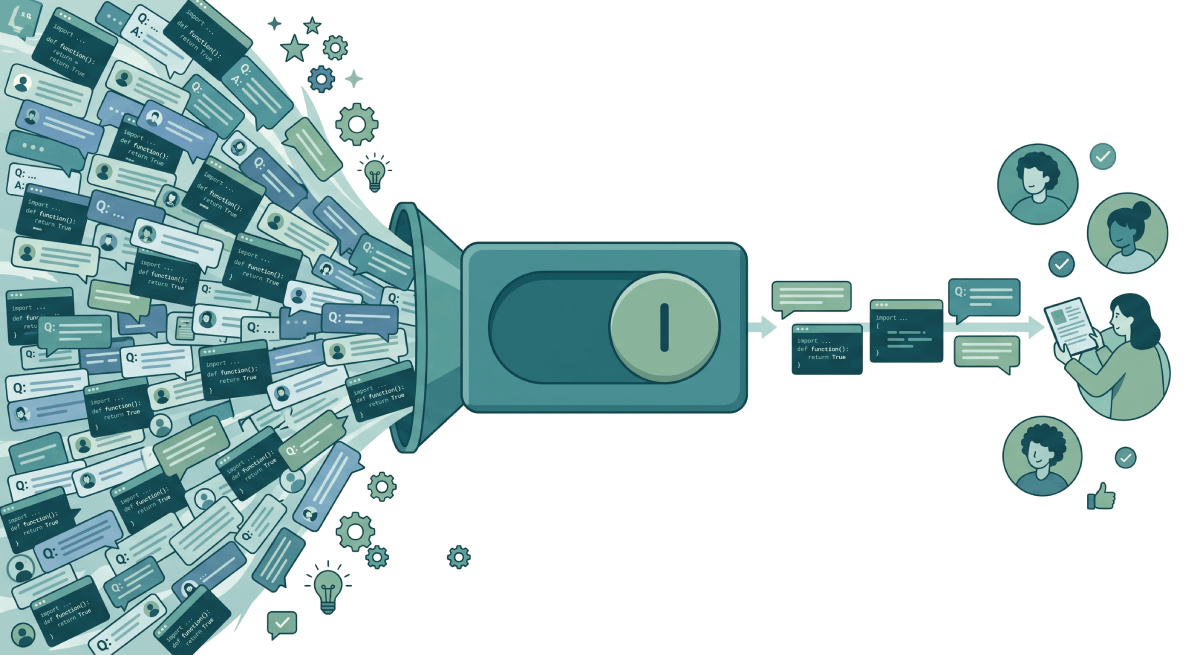
Feature flags let your AI work safely:
Merge AI code dark
Agent-written code lands behind a flag, off by default, instead of going straight to every user.
Contain the blast radius
A hallucination or a bad model only ever reaches the slice of traffic you opened it to.
Kill it instantly
One YAML change turns the AI path off and falls back to the safe one - no rollback, no redeploy.
Why shipping AI without a flag is risky
Traditional code is deterministic - you can review it once and trust it. AI is not. That breaks the assumptions a big-bang release relies on.
- Non-determinism. The same prompt can return a different answer per user and per run - you cannot fully test it before release.
- Silent quality regressions. A new model or a tweaked prompt can get subtly worse in ways no unit test catches.
- Cost and latency spikes. A bigger model can quietly multiply your bill and your p99 the moment it goes live.
- Unreviewed agent code at 100%. Without a flag, machine-written code reaches every user in a single deploy.
- No fast way back. Reverting means a redeploy or a rollback - minutes to hours - instead of a one-line flag flip.
Wrap agent output in a flag
When Copilot, Cursor, or Claude Code writes a new path, gate it behind a boolean flag that defaults off. The code merges and deploys with everything else, but no user reaches it until you say so.
How to use it: turn it on for internal staff first, watch it in production, then widen to everyone - or flip it back if it misbehaves.
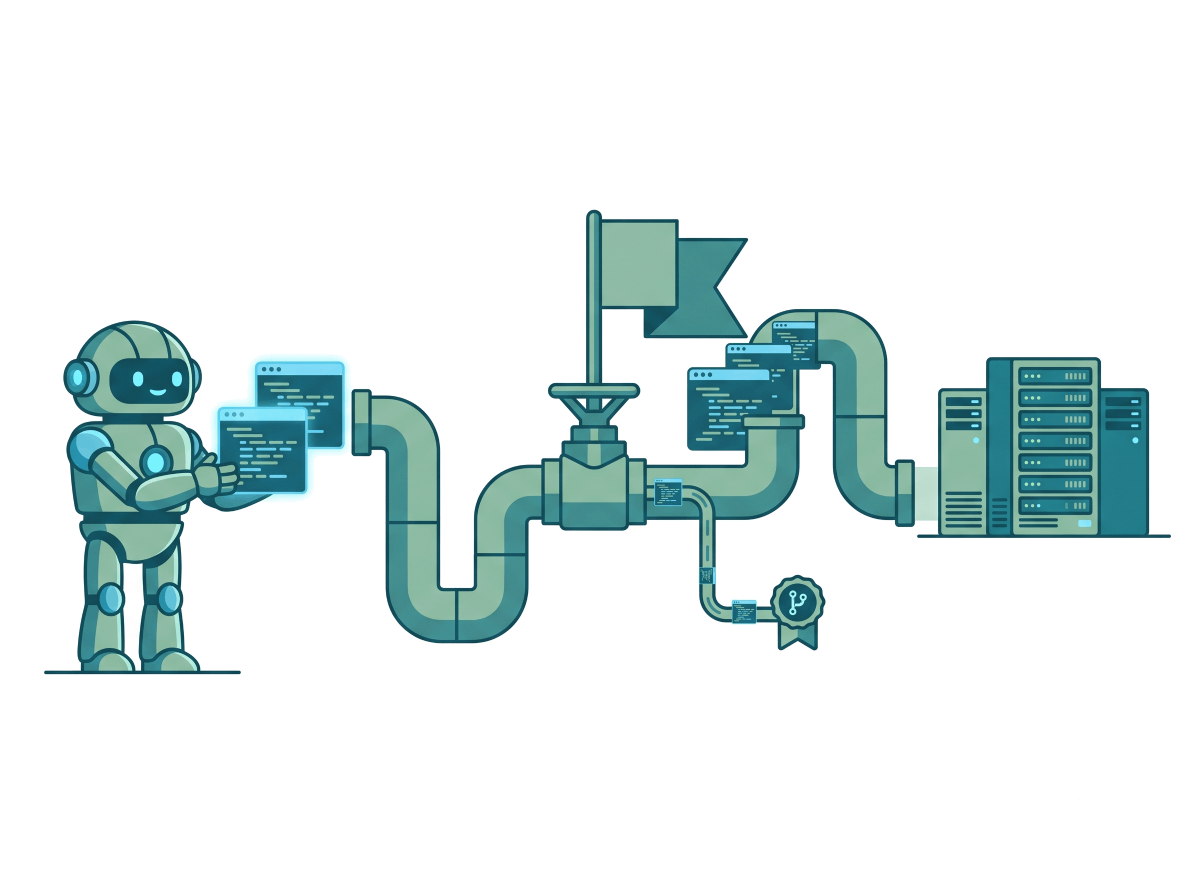
Default off. Only your own team gets the agent-written summary until you widen it.
Roll a model out to a percentage
Put the model name in a flag variation and send a small slice of traffic to the new one. The split is deterministic on the targeting key, so a given user keeps a consistent experience while you ramp.
How to use it: a canary - start at a few percent, watch quality, cost, and latency, then ramp to everyone with a progressive rollout.
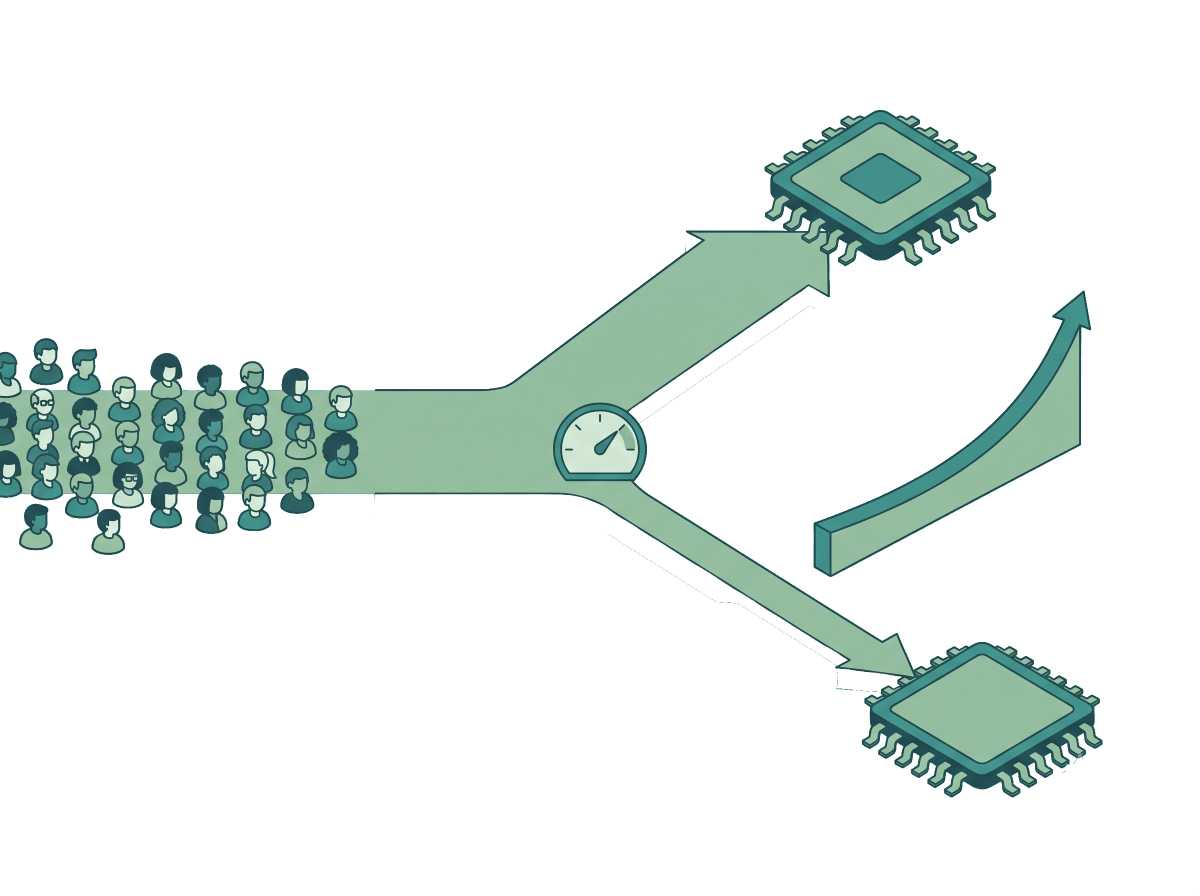
Bump candidate to 25, then 100, as the new model proves out. No redeploy.
A/B test which AI is actually better
Different is not the same as better. Define a variation per prompt or model, split traffic 50/50, and wrap it in an experimentation rollout so it runs for a fixed window.
How to use it: pair it with the data export to measure which variation won, then keep the winner.
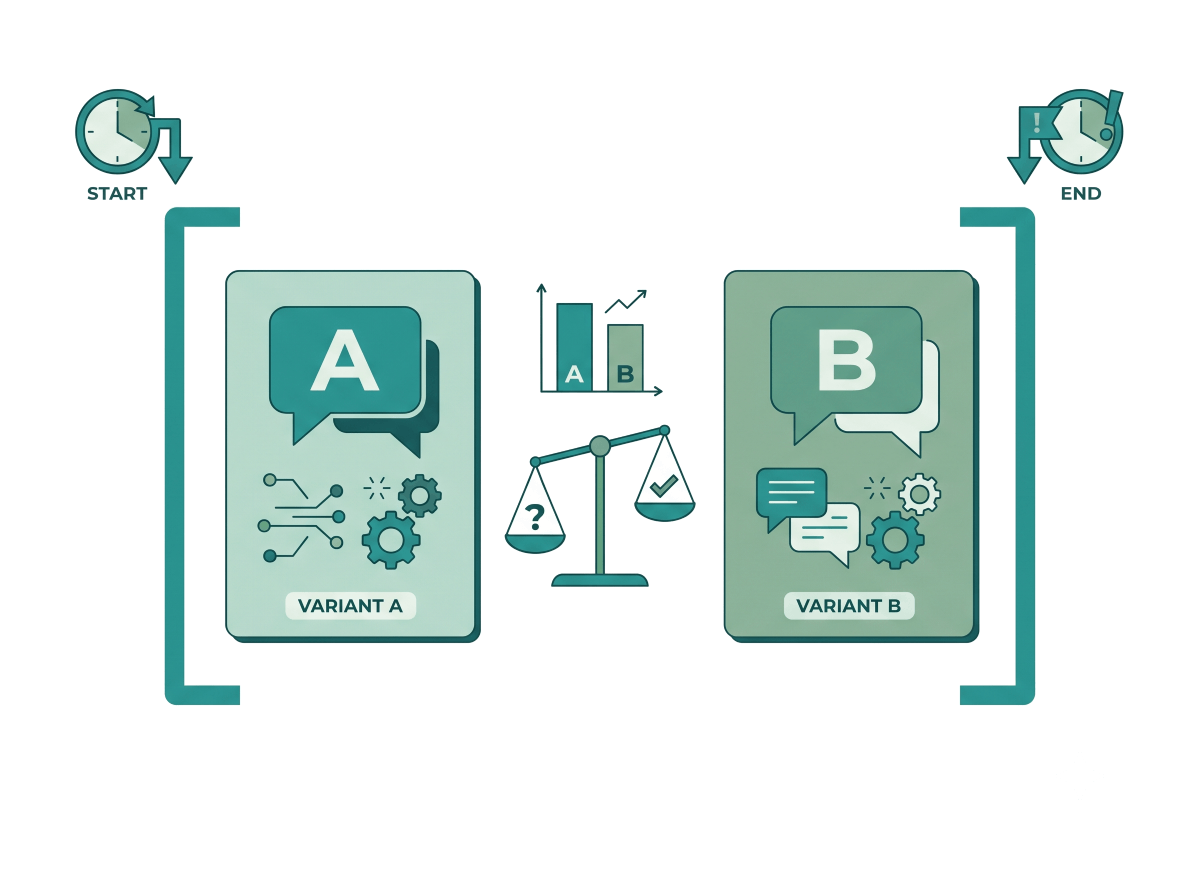
A clean one-week measurement of two prompts, then an automatic return to the default.
Turn the AI off in seconds
Keep a deterministic fallback variation - a rules engine, a cached answer, or the previous model - alongside the live AI path. When something goes wrong, you do not debug under fire; you flip the switch.
How to use it: change one line in the flag and every user drops to the safe path on the relay proxy’s next poll - no redeploy, no rollback.
Flip defaultRule to fallback and the whole AI feature is off for everyone in seconds.
What to flag in your AI stack
Anywhere AI touches production is a place to put a switch - here is what to reach for and when.
| What | Reach for it when | How to flag it |
|---|---|---|
| AI-written code path | A coding agent wrote a new path you have not fully reviewed in production. | Gate it behind a boolean flag, default off, and open it to internal users first. |
| New / upgraded model | You are swapping in a new LLM and want to prove it before everyone hits it. | Canary it with a percentage, then ramp it progressively. |
| Prompt change | You changed a prompt and need to know it is actually better, not just different. | Run an experimentation rollout and measure the two against each other. |
| New AI feature | A user-facing AI feature is ready to ship but unproven at scale. | Release it dark, then widen exposure as the data stays green. |
| Deterministic fallback | The AI path can fail, time out, or get expensive without warning. | Keep a non-AI variation and a kill switch that flips to it in one edit. |
Pitfalls to avoid
- Shipping agent code straight to 100%. Machine-written code deserves the same dark launch as anything else - default the flag off and widen on evidence.
- No deterministic fallback. If the only path is the AI path, an outage or a bad answer has nowhere to fall back to.
- No kill switch. Always keep the one-line flip that takes the feature off without a deploy.
- Bucketing experiments on an unstable key. Consistency rides on the targeting key; a value that changes per request flips users between models mid-session.
- Leaving a finished AI rollout in the code. Once a model is at 100% for everyone, the flag is debt - clean it up.
Ship AI with a safety net
Self-hosted, OpenFeature-native, MIT-licensed. Gate every model, prompt, and agent-written path behind a flag - and kill it with a one-line YAML change.